The story of the Portfolio — from Mission Control to sci-fi with 529 commits and 218 tests
The portfolio that became a spaceship
There’s an unwritten rule in the dev job market: your portfolio must be as good as the code you ship. But in May 2026, mine was just a generic “Mission Control Portfolio” with a grid of projects.
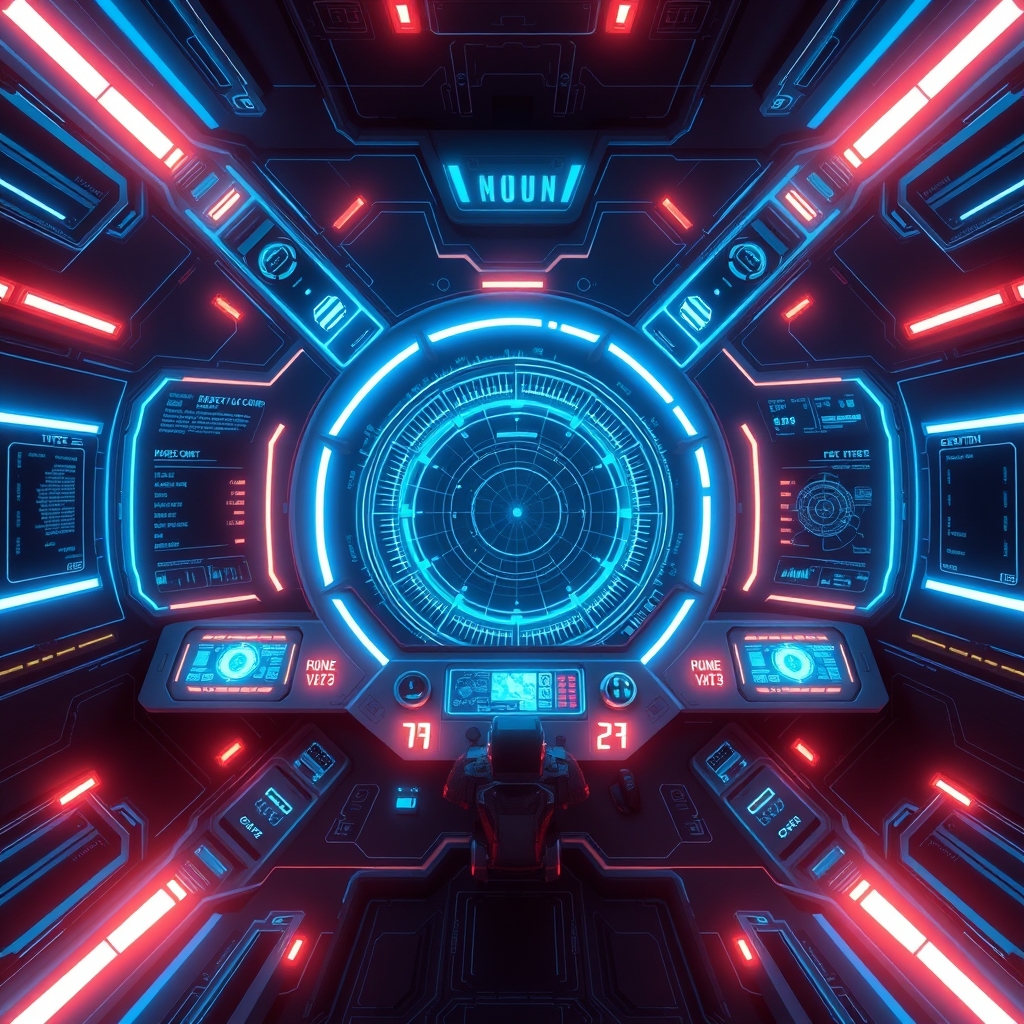
Today it’s an interactive spaceship: multi-layer parallax scene with SVG cockpit, 5 playable mini-games, a terminal with 15+ commands, full PT/EN i18n and 218 tests holding it all together. All with a cinematic cyan+black theme — no template.
Context — from template to playground
The initial commit (06/05/2026) was modest:
607df2d Initial commit: Mission Control PortfolioNext.js + React + Tailwind, the basics of every portfolio. But the visual identity changed fast: the Treasure Planet theme was archived in June and the sci-fi cyan+black aesthetic with parallax layers (L0-L3) and animated SVG cockpit was born.
The conceptual shift: instead of showing my projects in static cards, I wanted visitors to interact with the portfolio as if they were inside a spaceship cockpit. That’s where the 5 mini-games came from.
The struggle — games, animations, and the deploy that broke
The 5 mini-games
Each game is an experiment: Snake, Pong, a puzzle and others — embedded via iframe with React loaded from CDN (unpkg). That brought the first classic problem:
// src/components/MiniGames/ — real loading state
const [loading, setLoading] = useState(true)
// spinner + "Loading game..." while the iframe loads React + Babel from CDN
Without the loading state, the iframes appeared blank for seconds. And on mobile, the game cards scrolled vertically instead of staying fixed — the fix was overflow-y-hidden + min-h-[160px] to lock the layout.
The entry animation that almost never ran
GSAP was the villain: it broke the build on Vercel because it wasn’t in dependencies — only devDependencies. The local build passed, the deploy broke. It was the first of many “works here but not there” moments.
# The 17/06 fix — GSAP to real dependencies
npm install gsap --save-prod
The manual deploy that became routine
The Portfolio lives in three environments: Vercel (production), self-hosted on 3001, and staging on 3000 through Capivara’s proxy. The Vercel deploy was manual for a long time — vercel --token "$VERCEL_TOKEN" --prod — until CI/CD automated it.
Resolution — the showcase that answers commands
The coolest moment: the interactive terminal. Type help and see 15+ commands; projects lists the projects; contact opens the form. It’s the portfolio talking to the visitor.
The contact form also became robust: validation + rate-limit + LGPD + Resend integration for email. And the Cookie Banner with LGPD consent — because a public portfolio with analytics needs to respect the law.
The final architecture:
- Parallax scene — grid + SVG cockpit + HUD panels + particles form the entrance
- 5 mini-games — tabs with one at a time + “view all” toggle
- Terminal — 15+ commands, keyboard shortcuts on desktop
- i18n PT/EN — every component translated
- Umami Analytics — events, pageviews, heatmaps (self-hosted on 3100)
Metrics
| Metric | 06/05 (birth) | Today |
|---|---|---|
| Commits | 1 | 529 |
| Tests | 0 | 218+ |
| Mini-games | 0 | 5 |
| Terminal commands | 0 | 15+ |
| Environments | 1 | 3 (Vercel + 3001 + 3000) |
| Lint errors | — | 0 |
| Parallax layers | 0 | 4 (L0-L3) |
Lessons
The Portfolio taught me that brand experience is code. A portfolio doesn’t just show what you know — it demonstrates it. Every mini-game, every animation, every terminal command is a silent job interview happening in real time.
And the practical lesson: always test the build in the deploy environment. GSAP in devDependencies broke production three times until I understood that “works locally” doesn’t mean “works on Vercel”.